
 English
 Bengali
TK696 COM Login — Sign In & Create Your Account
Maybe you spotted TK696 COM during a cricket match on TV, or your bhai told you about the welcome deal, and now you're parked on the login screen figuring out what goes where. Happens to nearly everyone.
Signing in usually takes about ten seconds once you've done it once, and registering isn't much longer. Here's the full walkthrough, exactly the way I'd explain it to a mate over a plate of biryani.
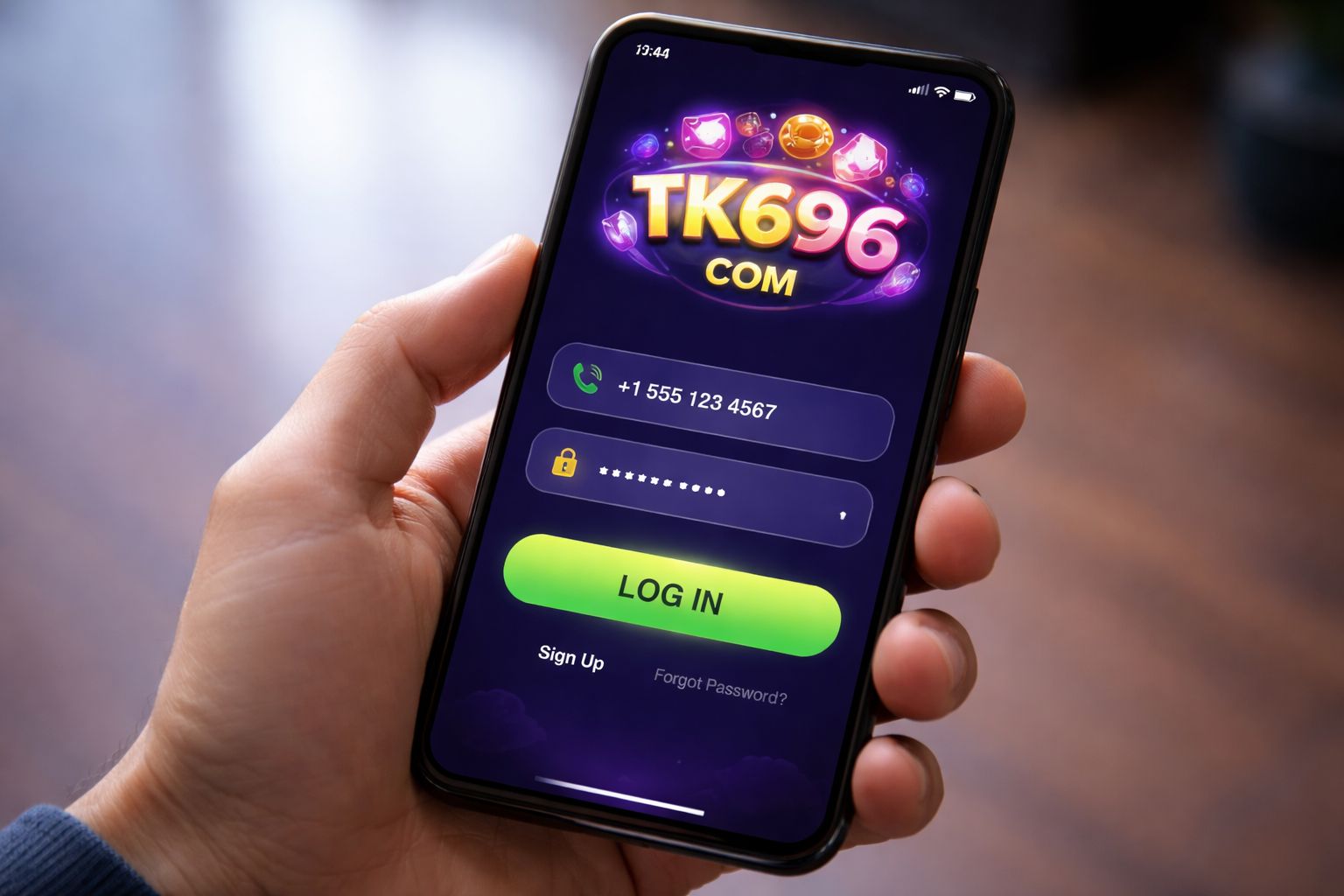
🔑 How to Sign In to TK696 COM
Load up the site or open the app, glance at the top-right corner, and you'll spot the bright Login button. Give it a tap.
Type in the username (or the phone number you registered with) plus your password, hit confirm, and you're inside. That's genuinely all there is to it.
Three ways to sign in:
| Method | Requires | Average Speed |
|---|---|---|
| Username + password | Type them in | ~10 sec |
| Phone number + password | Type them in | ~10 sec |
| Biometric (app only) | Fingerprint or Face ID | ~2 sec |
A small thing folks overlook: if you're punching in details on a friend's phone or a computer at a cyber café, make sure the "remember me" box is unticked. Don't leave a trail behind you.
Already got an account and just want to hop back in? Load up the bonus page after signing in to grab your reload offers.
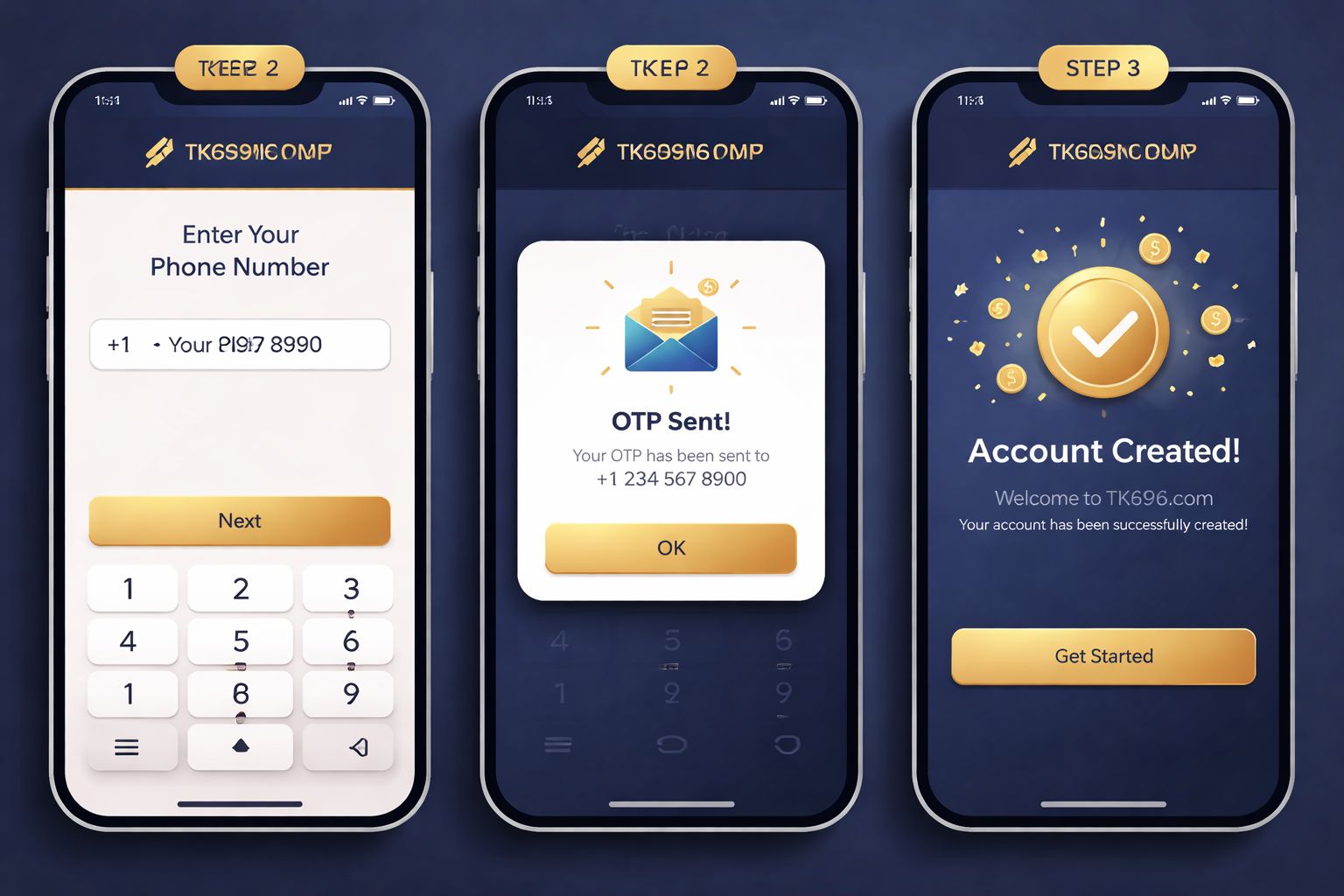
📝 Opening a New Account
No account yet? Signup is genuinely quick and you only need a handful of things:
- ✅ A working Bangladesh mobile number
- ✅ A payment wallet you actually use (bKash, Nagad, or Rocket)
- ✅ Roughly 2 minutes of your time
Step-by-step:
- Tap the Register button on the homepage or inside the app
- Enter your Bangladesh mobile number — use the same one attached to your bKash or Nagad wallet (this saves headaches later when your withdrawal name has to match)
- Create a strong password — mix uppercase, lowercase, a digit, and one symbol
- Add your full name — spelled exactly as it appears on your NID
- Pick BDT as your account currency
- Paste a promo code if you've got one — that unlocks the extra welcome package
- Enter the OTP that arrives via SMS on your phone
- Confirm — your account is live and ready
After signing in, you can wander through the live casino lobby or check out the slot collection before depositing a single taka. Zero pressure to fund the account immediately.
What you don't need during signup:
- ❌ Email verification (optional, you can add it later)
- ❌ NID upload (only needed before your first cashout)
- ❌ Selfie or KYC photo (only for withdrawals over ৳10,000)
- ❌ Address proof (never requested at signup)
That's a lower entry bar than most Bangladesh casinos I've tried out.
🔒 Keeping Your Account Safe
Your TK696 COM account is basically a wallet with money in it, so protect it the same way.
Do this:
- ✅ Pick a password you don't reuse anywhere else — combine letters, a number, and a symbol
- ✅ Switch on 2FA (two-factor authentication) in your settings — SMS or email code whenever a new device logs in
- ✅ Use biometric sign-in on the Android app — fingerprint or Face ID is quicker and safer
- ✅ Log out fully on shared devices — including a friend's phone
- ✅ Peek at your login history once a month (Settings → Security → Login History)
Avoid this:
- ❌ Handing your login details to anyone — even trusted family
- ❌ Saving your password in Chrome or Safari on a public computer
- ❌ Clicking "reset password" emails you didn't ask for — always type the domain into your browser yourself
- ❌ Playing real-money rounds on hotel or café wifi without a VPN — those networks are riskier than most people think
- ❌ Replying to Telegram or WhatsApp messages claiming to be "TK696 support" — real support only lives on the actual site and app
Spotting phishing: if an SMS or email pretending to be TK696 COM tells you to log in through a link, examine the URL carefully. The real domain is tk696.org — anything with extra bits like "tk696-bonus.com" or "tk696-verify-login.net" is a fake trying to grab your password.
❓ Resetting a Lost Password
Forgotten your password? It's normal. Fastest recovery route:
- Tap "Forgot Password" on the sign-in screen
- Enter the phone number you registered with
- Wait for the 6-digit SMS code
- Type the code into the site
- Create a fresh password
- Log back in with the new one
The whole flow takes about 2 minutes. Codes expire after 10 minutes for your protection.
If the SMS never shows up:
- Check that your phone actually has signal (SMS needs cellular coverage)
- Give it 60 seconds and hit "Resend code"
- Try email recovery if you added an email at signup
- Ping live chat as a last resort — they can verify you via NID and reset it manually
If you've also lost access to that phone number:
Contact support with:
- Your registered name
- The rough date you signed up
- Your last deposit amount and method (bKash/Nagad TRX ID helps a lot)
- A clear NID scan for verification
Support will manually verify everything and either reset your login or migrate the account to your new number. This takes 24–48 hours because they're doing careful checks — which is actually a good sign.
📱 Mobile vs Desktop Access
Both work smoothly. Different rhythms though:
- Mobile browser (Chrome, Safari):
- ✅ Runs on any phone, any OS
- ✅ Nothing to install
- ✅ Full feature set
- ❌ No biometric sign-in
- ❌ Slightly slower than the app on 4G - Android app:
- ✅ Biometric sign-in (fingerprint/Face ID)
- ✅ Push notifications for bonuses
- ✅ Smoother live streams
- ✅ Faster switching between sections
- ❌ Android only (no iOS build yet)
- ❌ Needs "unknown sources" install permission - Desktop browser:
- ✅ Larger screen — much better for multi-market cricket betting
- ✅ Live streams look sharper on laptop displays
- ✅ Full functionality
- ❌ No biometric sign-in
- ❌ Can't pocket it obviously
Most Bangladesh players stick with mobile (Android app for Xiaomi/Samsung owners, Safari on iPhone). I only jump onto desktop when I've got a cricket match on with several markets open in tabs alongside some crash games.
🛟 Help With Login Issues
If you can't get past the login screen, three routes to reach support:
- 1. Live chat — bottom-right corner of any page
- Available round the clock in English and Bangla
- Response time: usually under 3 minutes
- Best for fast fixes (forgot password, missing OTP) - 2. Email — [email protected]
- Response time: 4–12 hours
- Best for account issues that need document attachments
- Attach screenshots to speed the resolution along - 3. Telegram support channel
- Only use the official one linked from the site — everything else is impersonation
- Response time: 10–30 minutes
- Best for general questions and community assistance
Genuine support will never ask for your password. If someone pretending to be TK696 COM asks you to send it over, block them straight away. No exceptions.
❓ FAQ
Common questions about signing in, registering, OTP delivery, and account verification at TK696 COM.
Just enter your Bangladesh phone number and verify the OTP. The whole thing wraps up in about 2 minutes. No documents needed to sign up.
Yes, up to 2 devices at the same time. Going beyond that triggers a security review — you'll be asked to verify yourself via SMS.
Wait 60 seconds and hit "Resend". If nothing still comes through, swap from wifi to mobile data (some routers block Bangladesh SMS gateways). Contact support if resends also flop.
Yes. SSL encryption, optional 2FA, biometric sign-in on the app, and login history tracking inside account settings. Turn on 2FA for a stronger layer of protection.
Yes, but it needs verification. Head to Settings → Personal Info → Change Phone Number. You'll have to verify both the old and the new number by OTP.
No. KYC only gets requested before your first withdrawal over ৳10,000, or when a security review kicks in. Signup itself is just phone plus password.
Ping support through live chat. They'll ask you to confirm identity by NID and process the closure within 7 days. Any remaining balance is refunded to your registered payment method first.
The account locks for 30 minutes after 5 failed tries. Use "Forgot Password" to reset — that skips the lockout timer entirely.
💭 Final Word
Signing in and registering at TK696 COM is about as painless as it gets for a Bangladesh-focused casino. The phone-only signup is genuinely quicker than most rivals (who tend to insist on email plus address plus half your life story upfront).
If something goes sideways, live chat is your fastest way out. Support replies in Bangla, and I've never had to wait longer than 5 minutes for a real human — even in the middle of the night.
Pick a strong password, flip on 2FA, and grab the TK696 COM Android app if you're on a Samsung or Xiaomi so you can use biometric sign-in. That combo keeps my account locked down tight.